
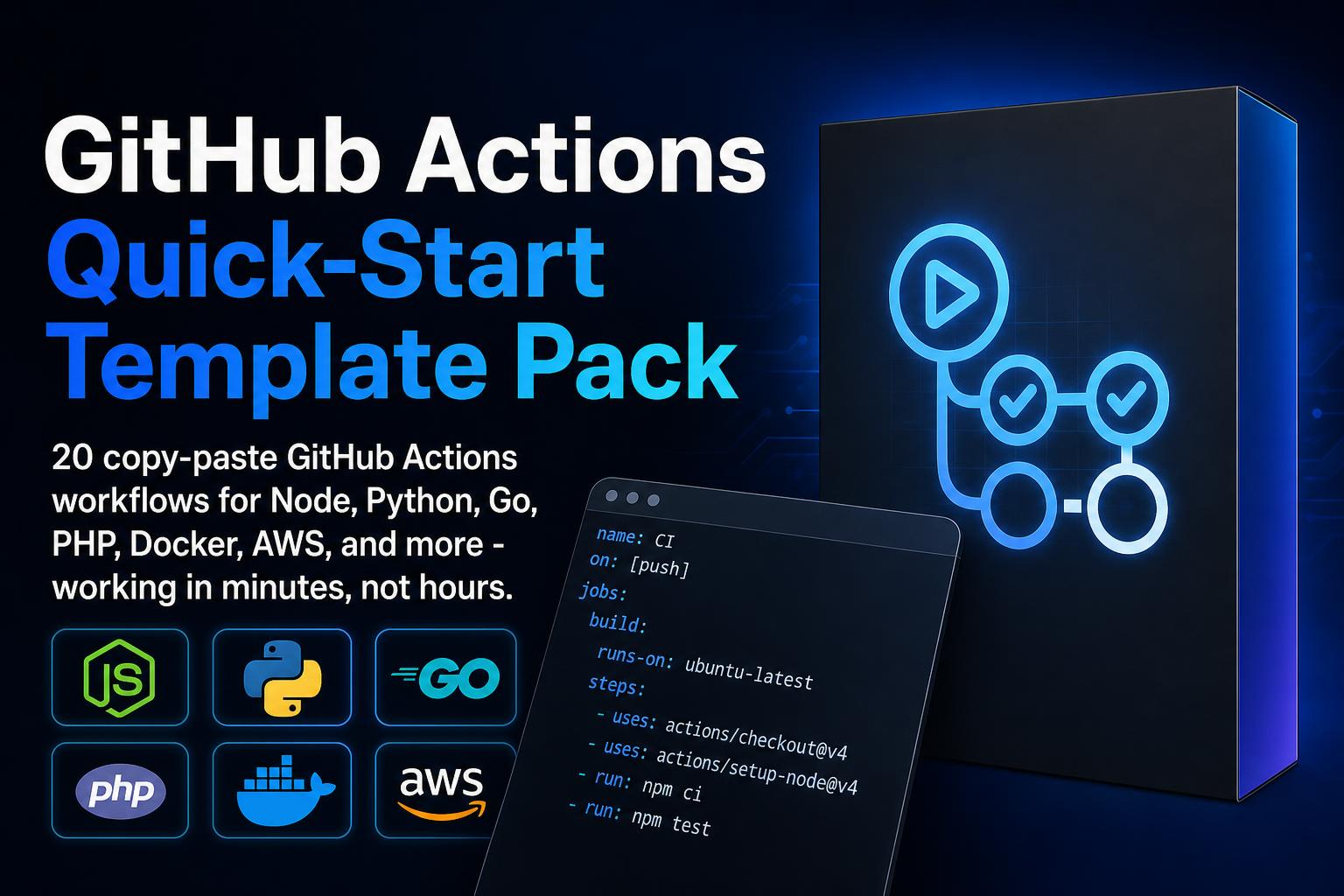
GitHub Actions Quick-Start Template Pack
Setting up CI/CD from scratch eats a full workday every single time.
And that's before you hit the YAML syntax error on line 47 that breaks everything.
This is not a tutorial you have to sit through before you can use anything.
This is 20 ready-to-run GitHub Actions workflow files that you copy, edit two lines, and commit.
What You Get
20 Tested YAML Workflow Templates
One file for each common scenario: Node.js CI, Python CI, Go CI, Laravel, Docker build and push, S3 deploy, Heroku deploy, scheduled jobs, release automation, security scanning, and more. Each template has a "What to Change" section at the top so you know exactly which lines need your values.
Service Container Configs for Postgres, MySQL, and Redis
Running integration tests that need a real database is the part most tutorials skip. These templates include the full service container setup with health checks, so your tests connect to an actual Postgres or MySQL instance during CI - not a mock.
Multi-Environment Deployment Setup
A complete dev/staging/production pipeline using GitHub Environments and protection rules. Includes how to require manual approval before production deploys so nothing goes live without a second set of eyes.
Secrets Management Guide
Covers the right pattern for passing secrets to workflows, organization-level secrets for teams managing multiple repos, and a 90-day rotation reminder system. No more credentials accidentally showing up in logs.
Reusable Workflow Pattern
Define your CI steps once in a shared repo and call them from any other repo in your organization. One change updates every project that uses it.
Dependabot Config for Automated Dependency Updates
Pre-configured to pull in security patches and minor updates automatically, while leaving major version bumps as manual pull requests. Drops into `.github/dependabot.yml` with no changes needed.
Workflow Optimization Techniques
Caching strategies that cut install times by 30-60 seconds per run, how to split test suites across parallel jobs to cut a 10-minute run to 4 minutes, and the `[skip ci]` commit flag for documentation commits.
Debugging Playbook
Four-step process for diagnosing failing workflows, including how to SSH directly into a GitHub runner when you need to inspect the live environment.
Quick-Reference Cheat Sheet
Every common trigger, context variable, and conditional expression on one page. Covers the official Actions you will use in nearly every workflow.
Why This Pays for Itself
- A working CI pipeline for a new project normally takes 2-4 hours to configure from documentation. With these templates, that drops to under 20 minutes.
- You gain a working mental model of jobs, steps, runners, secrets, and contexts - enough to edit any template confidently without re-reading docs.
- This eliminates the "start from scratch" problem permanently. Every new project starts from a tested baseline, not a blank file.
Perfect For
- Solo developers who want CI/CD but have no DevOps background
- Engineers joining a team with no existing pipeline standards
- DevOps engineers who set up CI for multiple clients or internal teams
- Tech leads who want to give their team a consistent starting point across repos
What's Included
- Instant digital download
- PDF and Markdown formats
- Lifetime access - yours to keep
- Works with ChatGPT, Claude, Gemini, and